
AI Quiz Generators From YouTube Videos, Tested: 6 Tools Compared (2026)
Your 3rd-period class just finished a twelve-minute YouTube video on the water cycle, and you need a quiz in their hands tomorrow. Someone in the staff room said an AI quiz generator from YouTube video can build the whole quiz from the link. Can it, really — and will the questions be any good?
The short answer: yes, it genuinely works. Paste the video link, the tool reads the transcript, and a minute later you have questions and an answer key. I read every pricing page, free-tier FAQ, and export list I could find for six tools on October 22, 2026. My free-tier winner is QuizFlex — and I’ll be honest up front: not every tool below is free.
In this guide you’ll find…
- Six tools compared head to head: QuizFlex AI, QuestionWell, Brisk Teaching, Diffit, QuizKraft, and ProProfs Quiz Maker
- What these tools actually do with your video (spoiler: none of them watches it)
- The honest truth about AI answer keys — and why you proofread every one
- A 15-minute workflow ending in Google Forms or Kahoot, plus subject picks, a privacy note, and an FAQ
TL;DR — the 30-second version
- QuizFlex AI — best free all-rounder: paste the link, generous free tier, huge export list.
- QuestionWell — best for standards-aligned quizzes, with interactive video questions.
- Brisk Teaching — best free in-browser workflow: generates right on the YouTube page.
- Diffit — best for mixed-ability and ESL classes: leveled reading + vocab + questions.
- QuizKraft — best YouTube-to-printable flow, but paid-only, and questions can’t be edited yet.
- ProProfs Quiz Maker — best full-featured LMS-style option for bigger quiz programs.
How we tested
Straight talk: on October 22, 2026, I opened each tool’s official pages as a teacher shopping — free-tier details, pricing, FAQs, export lists — and read them end to end. I did not run signup-walled generation flows, so this covers everything you can verify before signing up.
Two caveats: Diffit is described from third-party reviews (smartstaffroom, educatorstechnology) because diffit.me is JavaScript-rendered; and I quote no ProProfs prices because I couldn’t verify them that day. Every number below comes from a vendor’s own page. More about us on our About page.
A brand-new Gallup–Walton survey (October 14, 2026) found 59% of US K-12 educators used AI this school year — and 64% said it freed up time for the work that matters. Quiz prep is exactly the task teachers are handing off. Here’s the comparison, then the full breakdown.
| Tool | YouTube input | Free tier | Question editing | Exports | Watch-out |
|---|---|---|---|---|---|
| QuizFlex AI | Paste YouTube URL | 50K credits/month, no card; signup required | Yes | PDF, Word, PowerPoint, Google Forms, Classroom, Teams, Canvas, 25+ LMS | Long videos burn credits fast |
| QuestionWell | YouTube link + interactive video questions | Free: MCQ, unlimited question sets, short readings, Kahoot/Quizizz/Canvas export | Yes | Kahoot, Quizizz, Canvas, Google Forms, Blooket, Gimkit, Moodle, Doc/PDF | Standards search + extended length need the $7/mo plan |
| Brisk Teaching | Chrome extension on the YouTube page | Educator plan: 20 questions per generation | Yes | Google Doc/Form, Word, Microsoft Form, Canvas QTI, Kahoot, Nearpod | Needs Chrome + account |
| Diffit | YouTube link (per reviews) | Limited (~8 texts/week per one review) | Yes | PDF free; Google Docs/Slides/Forms + Microsoft 365 on premium | Not a dedicated quiz generator |
| QuizKraft | Paste YouTube URL | None — paid-only | No (on roadmap) | Print/PDF, no watermark on Pro | Can’t edit questions yet |
| ProProfs Quiz Maker | YouTube per official blog | Free plan exists (prices unverified) | Yes | Google Forms integration, built-in LMS | Prices unverified; signup required |
1. QuizFlex AI — the best free all-rounder
Verdict: if you try one free tool on this list, make it this one. QuizFlex AI is the current #1 result for this keyword, and I see why: direct YouTube URL, transcript extraction, and a genuinely generous free tier — 50,000 credits a month, no credit card, just a signup.
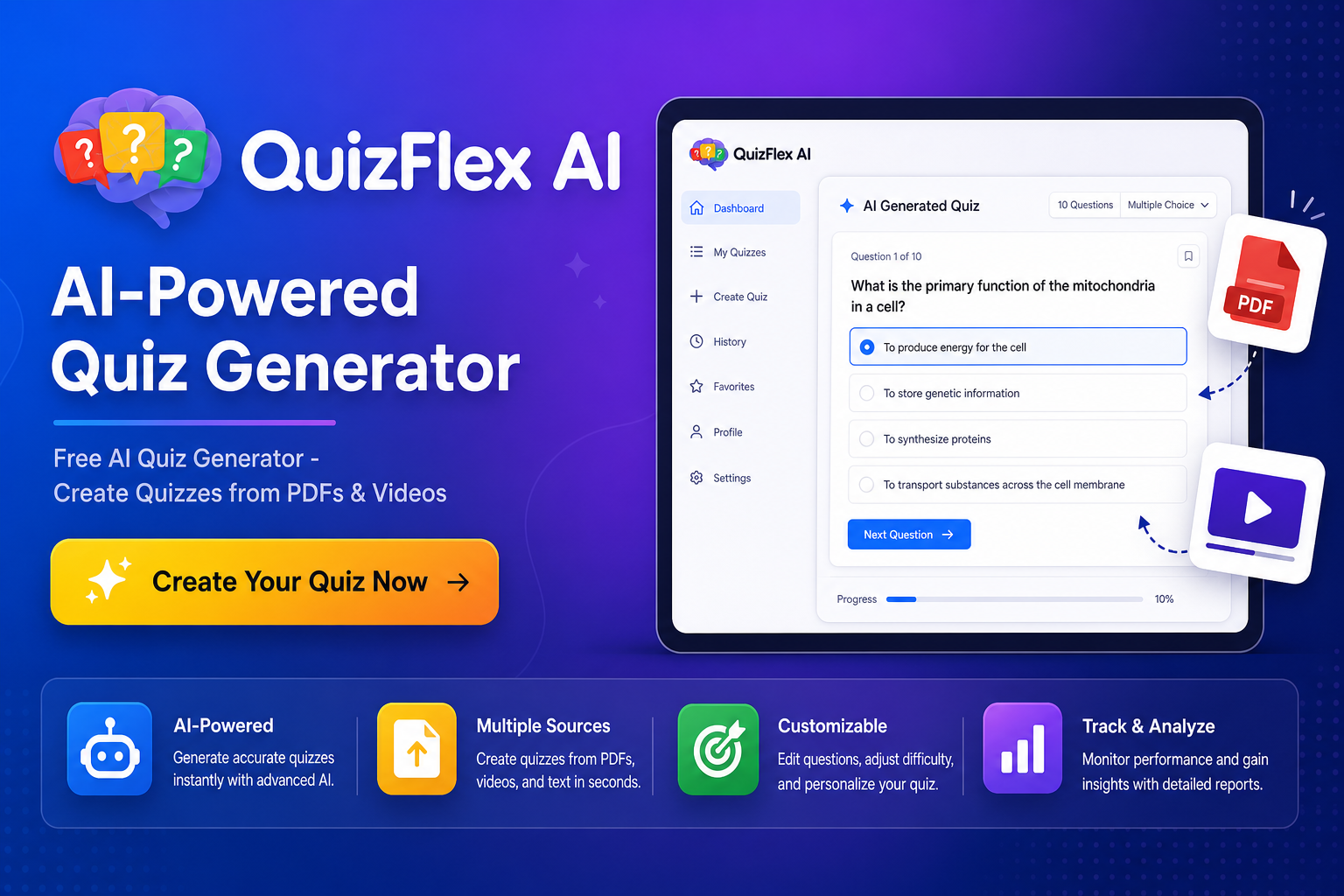
Free/paid: Plus $9/mo, Elite $18/mo, Pro $29/mo. Exports: PDF, Word, PowerPoint, Google Forms, Google Classroom, Microsoft Teams, Canvas, and 25+ LMS platforms — plus auto-grading, live hosting, and PIN-based class assignment. Classroom take: the rare tool that takes you from a link to a graded assignment without a second app.
2. QuestionWell — best for standards-aligned quizzes
Verdict: the pick when your quiz must align with standards and land in Kahoot or Quizizz. QuestionWell takes a YouTube video as context — and adds an interactive video mode, so students answer questions while watching.
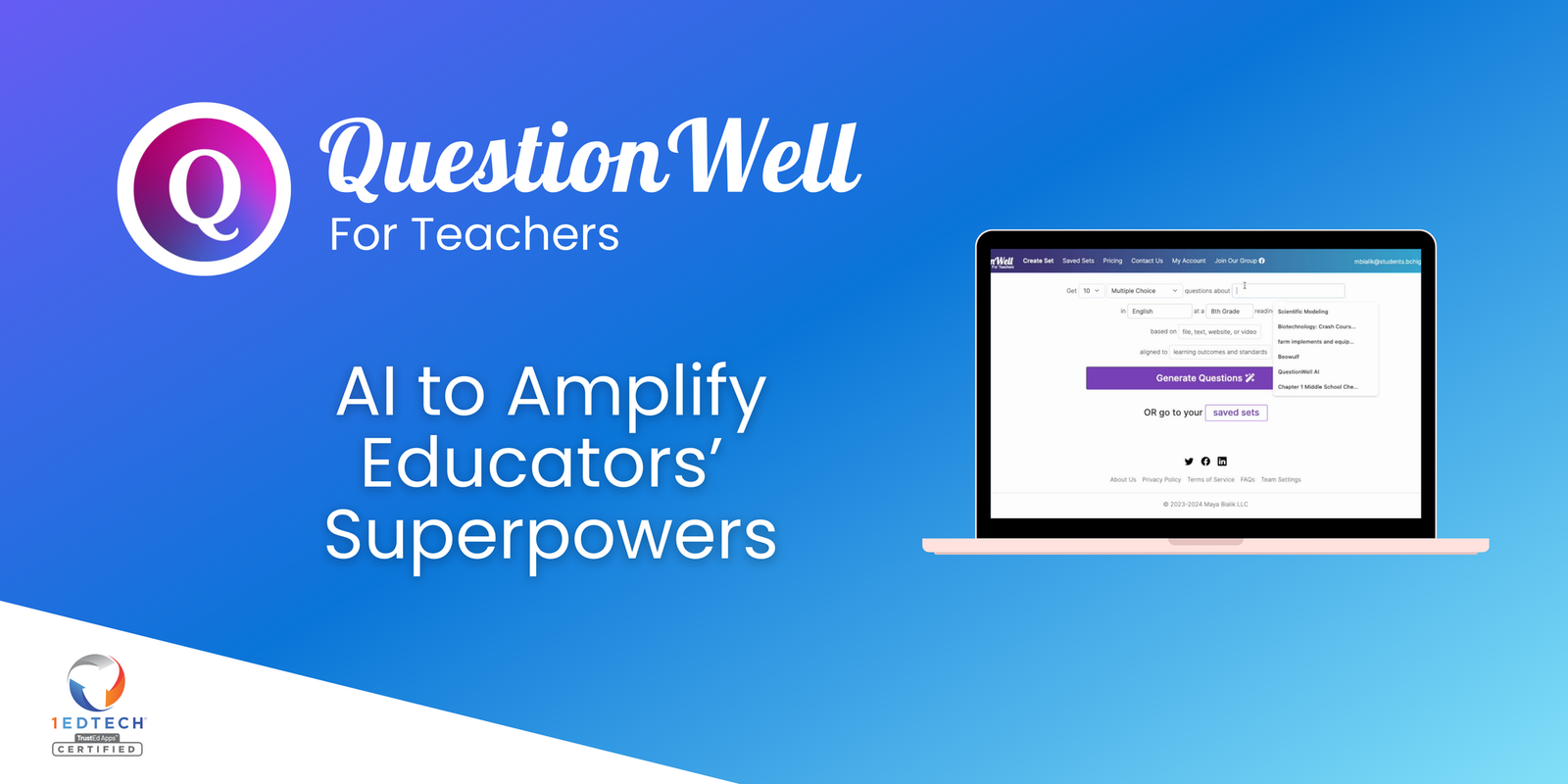
Free/paid: the free plan covers multiple-choice questions, unlimited question sets, short readings, AI-generated readings, and export to Kahoot, Quizizz, and Canvas. One paid plan — $7/month (annual option exists) — adds fill-in-the-blank and short answer, a longer reading cap, standards search, vocab lists, and file uploads. Exports: Kahoot, Quizizz (now Wayground — 70M users across 150+ countries), Canvas, Google Forms, Blooket, Gimkit, Moodle, Doc/PDF. Classroom take: sign in with Google or Microsoft and you’re in. Start on free; upgrade only if Premium earns its keep.
3. Brisk Teaching — best free in-browser workflow
Verdict: the laziest good workflow here. Brisk Teaching is a Chrome extension that works on the YouTube page itself. No copying transcripts, no switching tabs, no pasting URLs into a second tool.
Free/paid: the free Educator plan gives 20 questions per generation — honest, simple, enough for most class quizzes. Paid tiers exist, but I couldn’t verify exact prices on research day, so I’m not quoting numbers I can’t stand behind. Exports: Google Doc, Google Form, Word, Microsoft Form, Canvas QTI, Kahoot (10M+ educators worldwide), Nearpod. Classroom take: the smoothest path from “found a great video” to “quiz in Google Forms” — as long as your school IT is fine with a Chrome extension.
4. Diffit — best for mixed-ability and ESL classes
Verdict: not actually a dedicated quiz generator — and that’s fine, because it does something the others don’t. Diffit turns a YouTube link into a leveled reading passage with vocabulary, a summary, and comprehension questions. QuizFlex’s own Diffit comparison confirms it outright (“Generate quizzes from YouTube videos: Diffit — No”), and educatorstechnology notes Diffit “automatically accesses and adjusts” a video’s transcript into leveled text — gold for a class spanning five reading levels.

Free/paid: the free tier is limited; Individual Premium is $14.99/mo or $149.99/yr. Exports: PDF free; Google Docs, Slides, Forms, and Microsoft 365 on premium. Privacy: the smartstaffroom review rates it 3.9/5, puts the free tier at roughly 8 texts a week, and notes FERPA and COPPA compliance. Classroom take: the differentiation specialist — pair it with our AI tools for differentiated instruction guide. Caveat: I couldn’t verify Diffit’s pages directly, so treat free-tier numbers as approximate.
5. QuizKraft — best YouTube-to-printable flow (with a big caveat)
Verdict: the smoothest “link → printable worksheet” flow I’ve seen — but it’s paid-only, and you can’t edit the questions yet. QuizKraft does one thing: paste an educational YouTube URL, get a quiz you can print.
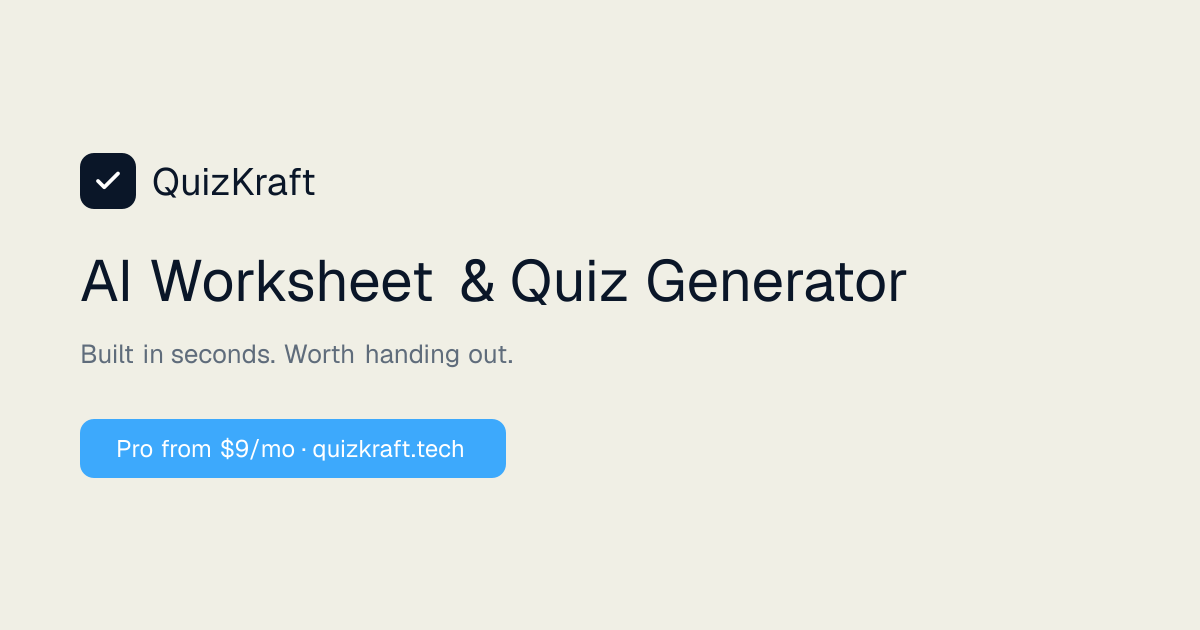
Free/paid: no free plan — Pro $9/mo, School $19/teacher/mo. Pro exports print/PDF with no watermark. The caveat I can’t soften: questions aren’t editable yet (it’s on the roadmap). You’ll print exactly what the AI gives you. Classroom take: lovely if the school pays $9/mo — but if you need to tweak one tricky question before Friday, wait for editing to land or pick QuizFlex free.
6. ProProfs Quiz Maker — best full-featured LMS-style option
Verdict: the heavyweight for teachers who run serious quiz programs, not just Friday quizzes. ProProfs Quiz Maker‘s official blog lists YouTube alongside PDF, DOC, PPT, and URLs as AI inputs — video-to-quiz is genuinely supported.
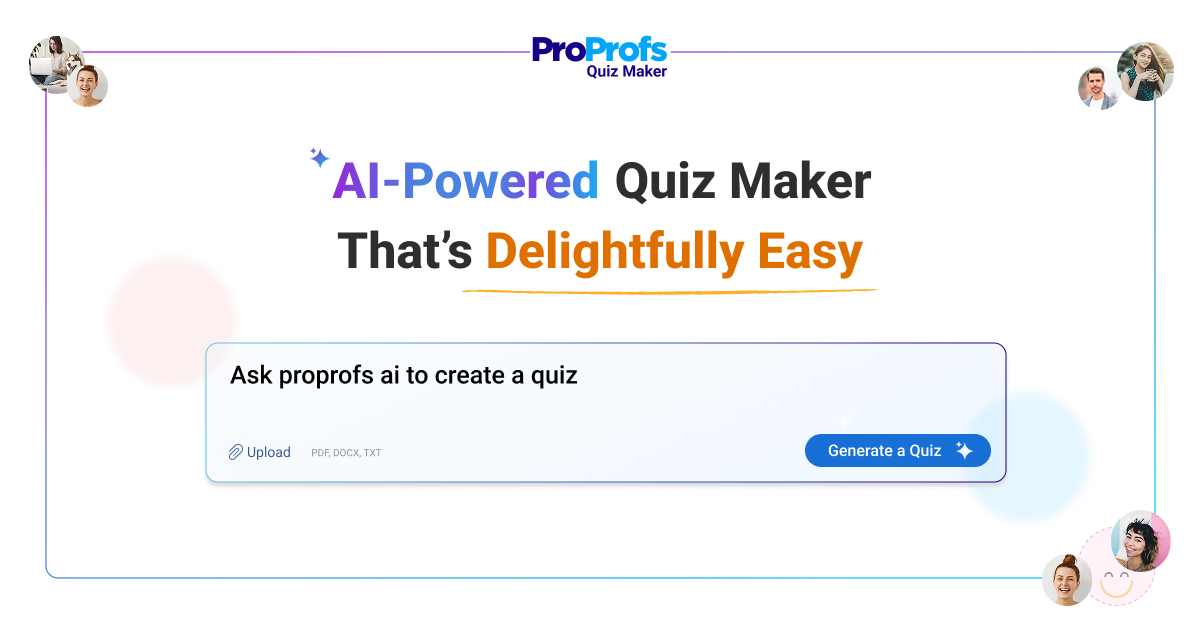
Free/paid: a free plan exists, but I couldn’t verify current prices, so I’m quoting none — check their pricing page first. Features: 20+ question types, a built-in LMS for assigning and tracking, Google Forms integration. Signup required. Transparency note: ProProfs is the only tool here with a public affiliate program (proprofs.com/affiliates), but I haven’t joined it — every link here is a plain official link.
Two honorable mentions, briefly: ScreenApp ranks for this keyword but it’s a transcriber with a quiz side-hustle — 2 free transcriptions (≤45 min), no quiz mode or scoring yet. PDFQuiz works if you manually copy the transcript from YouTube’s “Show transcript” button, but with only a first-quiz-free tier ($5–$16/mo after) and PDF/Word-only exports, QuizFlex beats it on every axis.
What these tools actually do with your video
Here’s the truth that matters more than any feature list: every tool above is transcript-based. None of them watches the video. They read the captions or transcript and write questions from that text. Three practical consequences:
Auto-caption quality is the weak link. A well-captioned video gives clean questions; a mumbling recording full of “[Music]” gives questions about things nobody said. Watch with captions on first — if the captions are garbage, the quiz will be too.
Videos without captions break some tools. sozai.app (a free, no-signup generator I’ll cover in the FAQ) says so honestly in its own FAQ: it can’t read caption-less videos from the link.
Visual-only content doesn’t translate. If the key content is a diagram the narrator gestures at without describing, the AI never “sees” it. For videos like that, build the lesson around the video first — our sister guide to AI lesson plan generators from YouTube video covers that workflow.
This matters because video is everywhere in our classrooms: a June 2026 study in Educational Researcher found 76.5% of 393 US teachers use YouTube instructionally, about half daily or weekly.
The answer-key problem: proofread every time
Blunt talk, colleague to colleague: never hand out an AI quiz without reading every question and its key. AI keys fail in a sneaky way — the wrong answer looks plausible.

The classic failure isn’t a wild answer. It’s a distractor that’s accidentally correct, or a “correct” answer that ignores the video’s nuance — the exact thing your sharpest student spots in front of the class. sozai.app is the only vendor I found that openly admits AI errors.
My rule: five minutes of proofreading per ten questions. Answer each question yourself from the video, then check the key. That proofread is what separates “AI did my prep” from “I used AI to do better prep.”
Your 15-minute YouTube-to-quiz workflow
Timed, so you can run it tonight. (Vendors love dramatic claims — Monsha’s blog says manual quiz-from-video prep “might take teachers 45–60 minutes,” and one OTAN/Diffit review claims 45 minutes down to “roughly 5–10 seconds.” Treat those as marketing, not data. Fifteen minutes is still a win.)

Minutes 0–2: pick the video, copy the link. Play with captions on. If the captions are a mess, pick a different video — the AI only reads the transcript.
Minutes 2–4: paste and generate. Drop the link into QuizFlex (or your pick) and generate 10–15 questions — enough for a real check, not so many that proofreading eats your evening.
Minutes 4–9: skim and edit. Cut anything the video didn’t say. Fix distractors. Reword anything that sounds written-by-committee.
Minutes 9–12: check the answer key. Answer every question yourself from the video, then compare. Non-negotiable.
Minutes 12–15: export where your students live. Google Forms for auto-grading, Kahoot for a Friday game, printed PDF for the sub folder. Done. Want a worksheet to pair with it? Our tested AI worksheet generator roundup covers that, and the free AI lesson plan generators guide is the pillar post this series builds on.
Quick subject picks
Science: QuizFlex — the Google Forms export makes lab-day quizzes painless. History: QuestionWell — discussion questions fit “why did this happen?” better than multiple choice. ELA: Brisk Teaching — generate on the YouTube page while you preview. ESL / mixed-ability: Diffit, no contest — leveled reading plus vocab beats a one-size quiz every time.
A quick privacy note
Upload your materials, not student work. Public YouTube links are low-risk — but the moment anything with student names goes in, you’re in different territory. Diffit is FERPA and COPPA compliant per the smartstaffroom review; I couldn’t verify equivalent published policies for the others, so check each vendor’s privacy page against your district’s rules first.
Frequently asked questions
Can an AI quiz generator work on any YouTube video?
Almost any video with captions or a transcript — which is most educational content. Caption-less videos are the exception: some tools fail on them openly, the rest silently produce worse questions. Private or age-restricted videos generally can’t be fetched by these tools.
Do these tools actually watch the video?
No. Every tool here reads the transcript or captions and generates questions from that text. Anything shown but not said — a diagram, a gesture, a label on screen — is invisible to the AI. That’s why caption quality decides quiz quality.
Are the AI-generated answer keys reliable?
Mostly, but not always — and the failures look plausible, which is worse than obvious errors. Accidentally-correct distractors and “correct” answers that miss the video’s nuance are the classic failure modes. Proofread every key before class.
Which tool exports to Google Forms or Kahoot?
QuizFlex (Forms, Classroom, Canvas, and more), Brisk Teaching (Forms and Kahoot from the YouTube page), and QuestionWell (Forms, Kahoot, Quizizz, Canvas, and more) are the smoothest. If your school lives in Google Workspace, start with Brisk or QuizFlex.
Is there a free AI quiz generator from YouTube with no sign-up?
Yes — sozai.app: completely free, no signup, 10 generations per day per device from a direct YouTube link. Honest tradeoffs: it can’t read caption-less videos, quizzes live in your browser (no class assignment or analytics), and exports are Moodle GIFT, CSV, and a printable test with a separate answer key.
Which is best for ESL or mixed-ability classes?
Diffit. It’s the only tool here that turns the video into leveled reading passages with vocabulary and comprehension questions instead of a one-size-fits-all quiz.
The verdict: which one should you actually use?
On a budget? QuizFlex — the best free deal I verified. Living in Google Workspace? Brisk Teaching — the fastest path from video to Google Form. Need standards alignment? QuestionWell, with the $7/month Premium if your department requires the evidence. Teaching ESL or mixed levels? Diffit. Want clean printables and the school pays? QuizKraft — once question editing ships. Running department-level assessments? ProProfs.
Two rules matter whatever you choose: caption quality decides quiz quality, and the answer key gets proofread. Do those, and an AI quiz generator from YouTube video gives you fifteen minutes of your evening back — and a quiz your 3rd-period class actually learns from.
Found this guide helpful?
Add TeachersTool as a Preferred Source on Google, and our tested guides surface at the top of your searches and AI Overviews whenever you need them.
Last updated: October 22, 2026
Get One Useful AI Tool Tip Every Week
One practical AI tool tip in your inbox every week. No spam, unsubscribe anytime.

We’re the team behind TeachersTool. We hands-on test AI tools for teachers — signing up for free plans, taking real screenshots, and fact-checking every claim before publishing. Our guides cover lesson planning, quiz creation, grading, and classroom AI workflows.
Enjoying TeachersTool guides?
Add us as a Preferred Source on Google — you'll see our latest tools and guides first in Search, Top Stories, and AI Overviews.